

ALL BLOG POSTS
/
UX Design
What Good UX Means in Healthcare Software

Stefan Ivic
Author
Good User Experience (UX) in healthcare software means creating systems that are easy to use, safe, fast, and comfortable for doctors, nurses, and patients. Healthcare software is often used in urgent or stressful situations, so the design must help users complete tasks quickly without confusion or mistakes.
1. Simple and Easy Interface
Healthcare software should have a simple and easy-to-understand interface so that doctors, nurses, and hospital staff can use the healthcare system without special training. In busy medical environments, professionals rely on efficient healthcare platforms to access patient information quickly. A clear interface in a healthcare application helps users complete tasks faster and reduces confusion.
A complicated healthcare software interface with too many buttons, menus, or options can slow down hospital workflows. Clean layouts, clear navigation, and readable text improve usability in modern healthcare management systems. These design choices allow medical professionals to focus more on patient care instead of struggling with complex software tools.
Example:
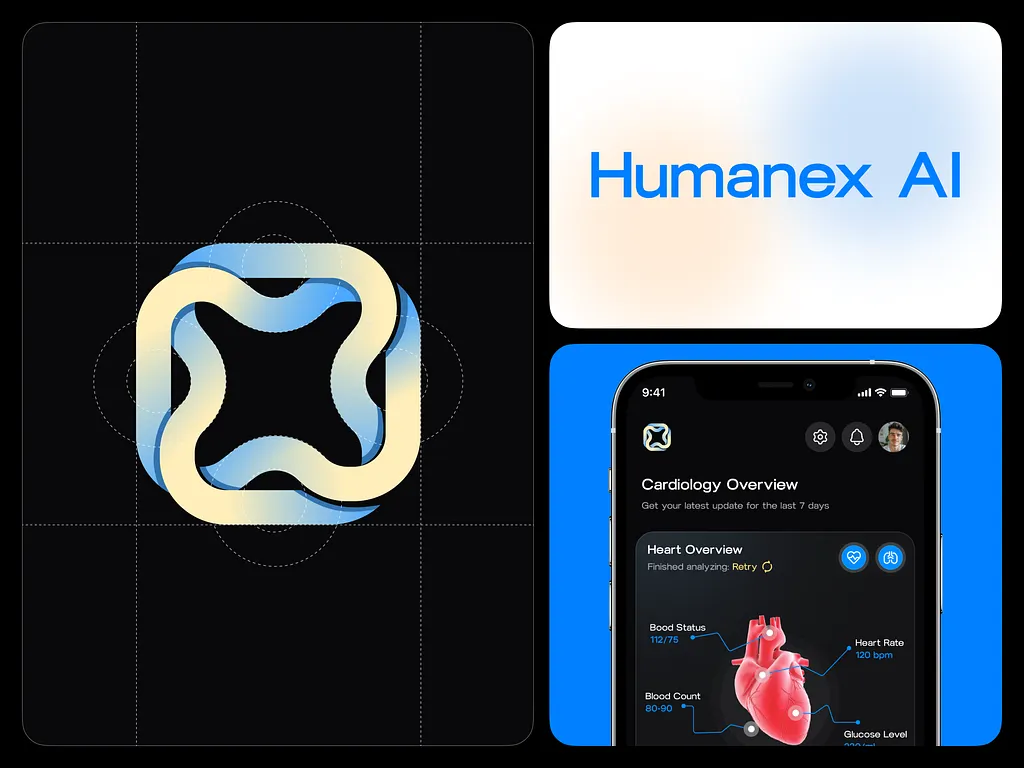
A hospital management system dashboard may show only important sections such as Patient Records, Appointments, Prescriptions, and Medical Reports. Instead of displaying unnecessary features, the healthcare platform highlights essential tools for daily tasks. This simple structure improves workflow efficiency in hospitals and clinics.
2. Fast Access to Important Information
In healthcare environments, doctors and medical staff often need to make quick decisions. Because of this, healthcare software and healthcare platforms must provide fast and easy access to important patient information. A well-designed system created by a professional UI UX design agency helps users quickly find the data they need and improves the overall healthcare workflow.
Good UX design organizes patient data such as medical history, prescriptions, lab reports, and previous visits in a structured way. A professional UI UX design company like Artonest Design Studio focuses on designing healthcare interfaces that allow doctors to understand a patient’s condition quickly. Clear layouts and structured information improve efficiency and support better medical decisions.
Example:
When a doctor opens a patient’s profile in a healthcare management system, the dashboard should display key details like patient history, medications, recent reports, and appointment records. At Artonest, a trusted UI UX design studio and web design agency, we design healthcare dashboards that present this information clearly so medical professionals can access it instantly.
3. Clear and Helpful Communication for Patients
Healthcare software should help patients clearly understand their medical information. Many patients are not familiar with complex medical terminology, so a well-designed healthcare platform should present information in simple and easy-to-understand language. A professional UI UX design company focuses on improving communication so patients can easily interact with the system.
The interface should use simple labels, clear icons, and structured information. These design elements improve usability in modern healthcare applications and patient portals. At Artonest Design Studio, a trusted UI UX design agency and web design agency, we design healthcare interfaces that make patient information easy to understand and accessible.
Example:
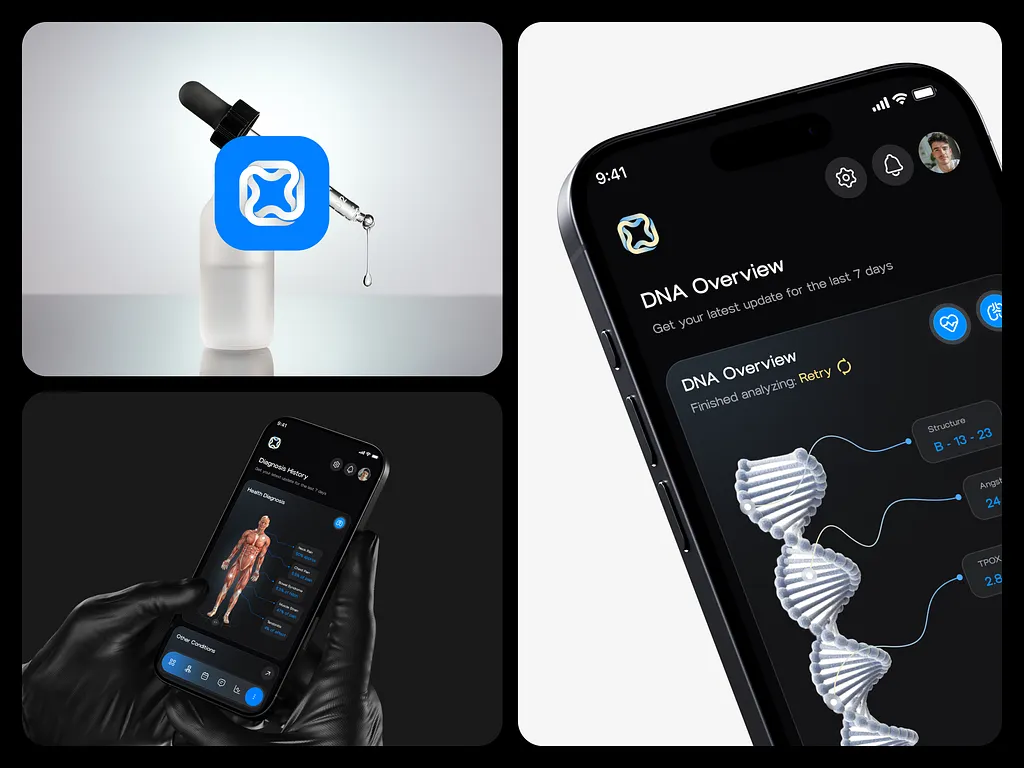
A healthcare application or patient management system may show medical report results with simple explanations such as Normal, Needs Attention, or Consult Doctor. This type of design approach, often used by experienced UI UX design companies, helps patients understand their health condition quickly without confusion.
4. Error Prevention and Safety
In healthcare software and healthcare systems, preventing errors is extremely important because mistakes can affect patient safety. Doctors and nurses work with large amounts of medical data every day, so the system must help reduce the chances of mistakes. A professional UI UX design agency focuses on designing interfaces that guide users and prevent incorrect actions.
Modern healthcare platforms should include clear instructions, alerts, and confirmation messages when users perform important tasks. These design features are often created by experienced UI UX design companies to improve system reliability. At Artonest Design Studio, a trusted web design agency and UX design company, we design healthcare interfaces that help medical professionals work safely and efficiently.
Example:
When a doctor prescribes medicine in a healthcare management system, the platform may provide drug name suggestions and recommended dosage options. If two medicines may cause harmful interactions, the system displays a warning message. These safety features are an important part of healthcare UX design and help prevent prescription errors.
5. Easy for All Age Groups
Healthcare applications are used by people of different ages, including elderly patients. Because of this, healthcare software must be designed to be accessible and easy for everyone to use. A complicated interface can make it difficult for older users to interact with the system.
To improve usability, healthcare apps should use readable fonts, simple navigation, and large buttons. The layout should be clean and easy to understand so users can quickly find the features they need. Simple language also helps users understand how the system works.
Example:
A patient healthcare app may include large buttons for actions like Book Doctor, View Reports, or My Medicines. Clear icons and simple labels help users easily navigate the application and complete tasks.
6. Clear Navigation
Clear navigation is an important part of good UX design in healthcare software. Users should always know where they are in the system and how they can move to another section. This helps doctors and patients complete tasks without confusion.
A simple menu structure with clearly labeled sections improves usability. Important features should be easy to find, and the system should avoid complex navigation paths. Consistent navigation helps users feel more comfortable using the platform.
Example:
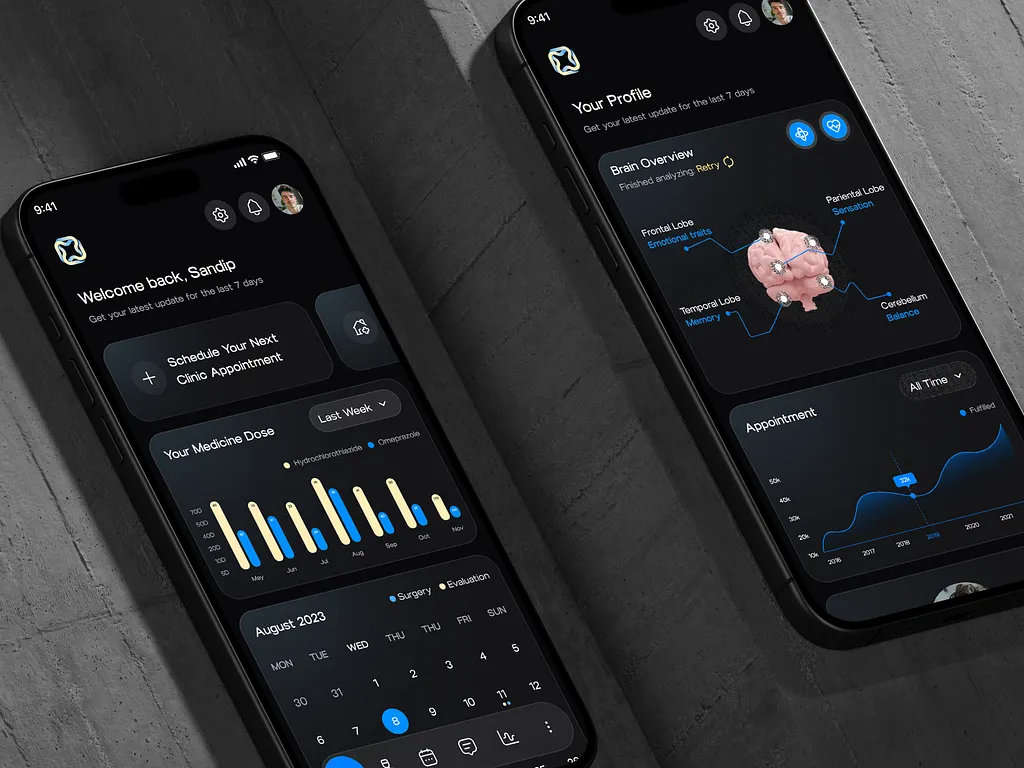
A healthcare mobile application may include a bottom navigation menu with sections such as Home, Appointments, Reports, and Profile. This simple structure allows users to switch between features quickly and easily.
7. Data Privacy and Security
Healthcare systems store sensitive patient information such as medical records, prescriptions, and personal data. Because of this, protecting patient privacy is very important. Users must feel confident that their information is safe when using healthcare software.
A well-designed healthcare platform should clearly show security features such as secure login systems and data protection methods. Transparent privacy settings also help users understand how their data is used. This builds trust between patients and healthcare providers.
Example:
Healthcare applications may use secure login methods such as OTP verification, passwords, or biometric authentication like fingerprint or face recognition. Patient records are stored in encrypted systems so unauthorized users cannot access them.
8. Conclusion
Good UX in healthcare software helps doctors, nurses, and patients interact with digital systems easily and efficiently. Simple design, clear navigation, fast information access, and strong security features improve the overall healthcare experience.
At Artonest Design Studio, a professional web agency, web design agency, and web development company, we focus on building healthcare platforms that combine usability, technology, and performance. By applying strong UX principles, healthcare organizations can create systems that improve patient care and support medical professionals in their daily work.
Frequently Asked
Questions
1. What is UX in healthcare software?
2. Why is UX important in healthcare applications?
3. How does good UX improve healthcare systems?
4. What features make healthcare software user-friendly?
5. How can a UI UX design agency improve healthcare platforms?
Recent


