

ALL BLOG POSTS
/
UX Design
From Designer to AI Collaborator: The New UX Workflow

Stefan Ivic
Author
The role of the UX designer is evolving from "sole creator" to "AI collaborator," turning artificial intelligence into a powerful partner rather than a replacement. By integrating AI into the UX design workflow, we can offload repetitive tasks to focus on the high-level strategy and empathy that define truly human-centric products.
The New UX Paradigm: Why AI is Your New Design Partner
The traditional UX workflow empathize, define, ideate, prototype, test often hit bottlenecks. Research took weeks, wireframing took days. AI has changed math.
As designers, our value has never been in the repetition of tasks. It has always been in our ability to synthesize information and craft intuitive experiences. When you adopt AI in UX design, you offload the "busy work" to algorithms, allowing you to focus on high-level strategy and emotional connection.
The Shift from "Doing" to "Directing"
In the new workflow, the designer acts more like a film director. You provide the vision, the constraints, and the user-centric principles, while AI generates the building blocks whether that’s data analysis, initial UI explorations, or content generation.
Integrating AI into the UX Research Phase
The most time-consuming part of UX design is often qualitative research. Analyzing hundreds of user interviews or survey responses can take weeks.
Speeding Up Synthesis
Tools like Claude, ChatGPT, or specialized UX research platforms can now ingest raw interview transcripts and extract sentiment, pain points, and recurring themes in seconds. Actionable tip: Instead of manually tagging every interview note, use AI to create affinity maps. This allows you to spend more time observing the why behind user behavior rather than just sorting the what.
AI-Driven User Personas
While AI-generated personas should never replace real user data, they are excellent for creating baseline empathy maps or "what-if" scenarios. By feeding your project requirements into an AI tool, you can generate potential user archetypes to test your initial assumptions against before heading into expensive field research.
Ideation and Wireframing: Breaking the "Blank Canvas" Fear
Every designer knows the fear of the blank canvas. AI acts as a sophisticated brainstorming partner that never runs out of ideas.
Rapid Prototyping and Layout Generation
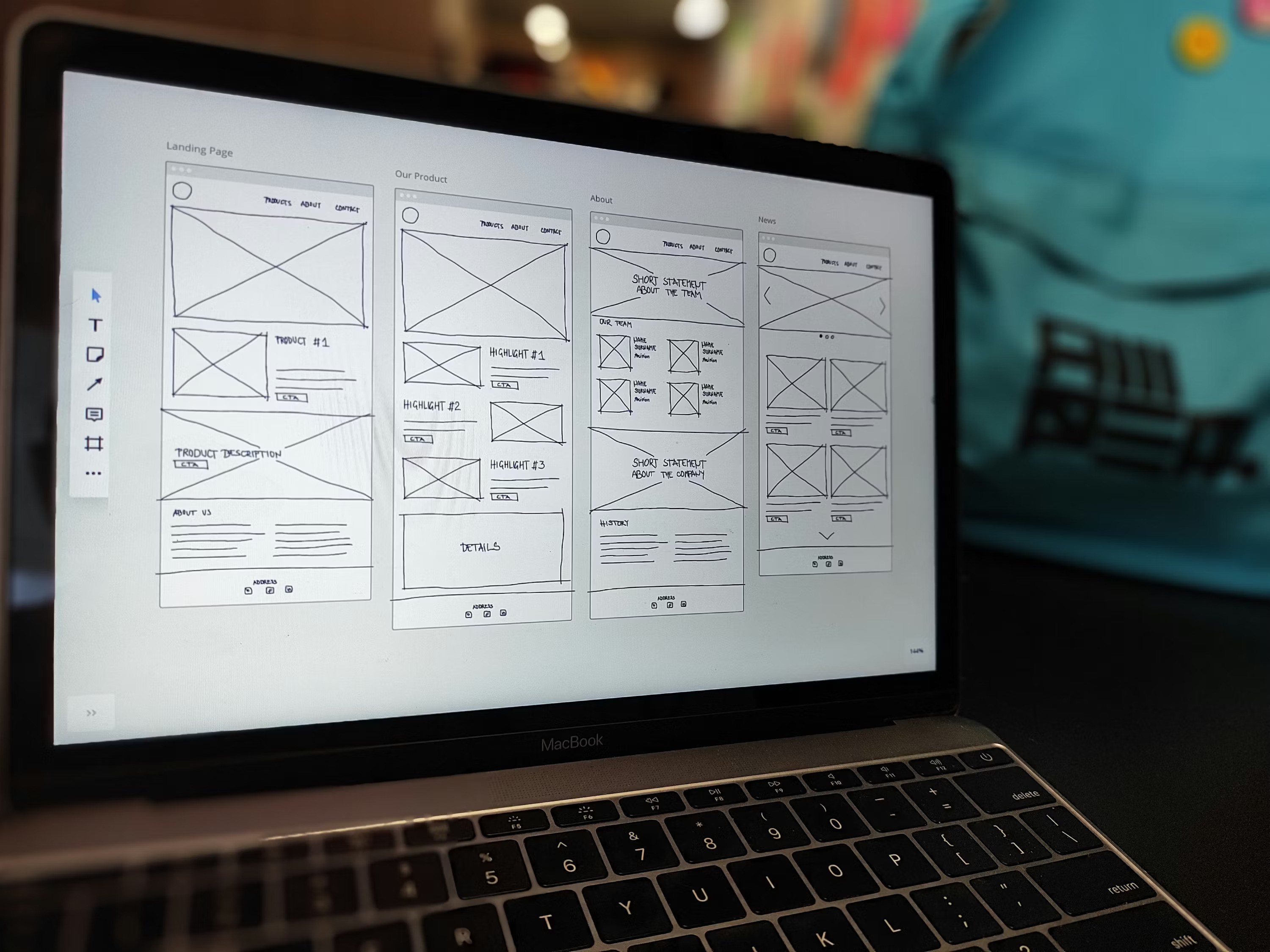
Platforms like Uizard or Relume allow designers to describe a screen in plain English and receive a structured wireframe in return. This doesn't mean the AI is doing the design, it means it’s doing the labor of layout.
Why This Matters for Artonest Clients
When we provide Web Design Services, efficiency is key. By using AI to generate multiple layout variations during the early stages, we can present our clients with a wider range of possibilities, allowing us to pivot faster based on their feedback.
Visual Design: Enhancing Consistency and Scale
Once the wireframe is solid, the transition to high-fidelity UI is where AI UX design truly shines.
Design Systems and AI
Consistency is the backbone of great UI. AI-powered plugins within tools like Figma can now scan your design system and ensure that spacing, color contrast, and typography remain compliant across hundreds of screens.
Generating Assets
Need a unique icon set or a specific image to bridge a layout gap? Generative AI tools like Midjourney or DALL-E (integrated into design workflows) allow designers to create custom visual assets that feel native to the brand, rather than relying on generic stock photos that lower trust.
Accessibility: Making AI Your Compliance Officer
Accessibility (a11y) is often treated as a final "check-box" item in the design process. This is a mistake. AI in UX design allows for real-time accessibility auditing.
Automated Color Checking: AI tools can now predict color blindness issues or low-contrast areas as you drag and drop elements.
Inclusive Design Suggestions: By running your designs through AI checkers, you can identify if your touch targets are too small or if your text hierarchy is confusing for screen readers, long before you hand the files over to the development team.
The Human Element: What AI Can’t Do
If AI does the research, the layout, and the assets, what is left for the designer? Everything that matters.
1. Radical Empathy
AI can process data, but it cannot "feel" the frustration of a user who is struggling to navigate a complex portal. It cannot understand the subtle emotional cues in a stakeholder meeting. Designers are the bridge between cold data and human feeling.
2. Strategic Decision-Making
AI is excellent at generating options, but it is poor at knowing which option fits a specific business goal or brand identity. As a designer, you are the filter. You make the strategic choices that align the product with the user’s needs and the business’s bottom line.
3. Ethical Stewardship
AI has biases. If you feed it biased data, it will output biased results. Designers must act as ethical stewards, questioning the AI’s suggestions and ensuring that the final product is inclusive, transparent, and fair.
Building a Future-Proof Workflow at Artonest
At Artonest, our approach to AI UX design is intentional. We don’t adopt tools for the sake of trends; we adopt them to solve real problems for our clients.
If you are looking to elevate your digital presence, the "AI-collaborative" approach offers several benefits:
Faster Time to Market: By streamlining the prototyping phase, we get products into the hands of users sooner.
Data-Informed Decisions: We back up our creative instincts with AI-analyzed user data.
Higher Quality Output: With the "grunt work" automated, our designers have more mental bandwidth to polish the micro-interactions that make an interface feel truly magical.
Conclusion
The evolution from designer to AI collaborator is an invitation to do better work. By embracing AI UX design, we are reclaiming our time—time that should be spent on user advocacy, beautiful visual storytelling, and solving the world’s most interesting interface challenges. Are you ready to see how a modern, AI-integrated workflow can transform your next digital project? Contact us at Artonest today. Let’s collaborate on building the next generation of user experiences together.
Frequently Asked
Questions
1. Will AI replace UX designers?
2. Is AI-generated design unique?
3. How can I start incorporating AI into my design workflow?
4. What are the best AI tools for UX designers?
5. What are the benefits of using AI in UX design?
Table of contents
Recent


