ALL BLOG POSTS
/
UX Design

Stefan Ivic
Author
1 January
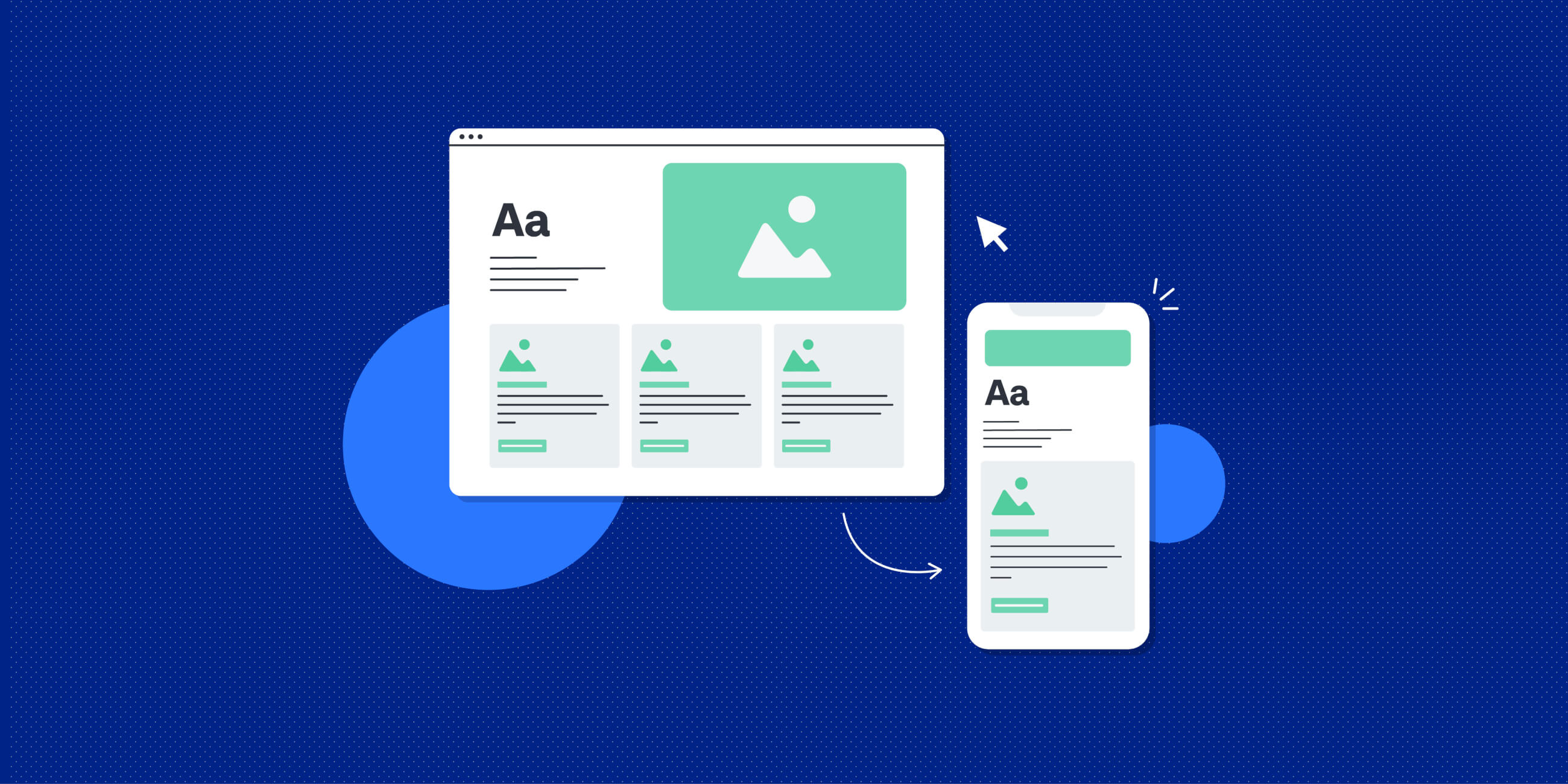
A great website doesn’t just look good, it works perfectly on every device. Whether a user visits from a laptop, tablet, or smartphone, their experience should stay consistent. That’s what responsive web development is all about. At Artonest Design, we focus on building websites that adapt seamlessly to all screen sizes. Responsive development isn’t just a design trend, it's a necessity for keeping users engaged and satisfied.

Ignoring User Research
One of the biggest UX mistakes is skipping user research. Many brands design based on assumptions instead of actual user behavior. Without understanding your target audience, you’re guessing at what they want.
User research helps you learn how visitors think, what they expect, and what stops them from converting. Without that insight, even a well-designed interface can fail.
Use surveys, heatmaps, and analytics tools to collect data. Test wireframes before launch and make decisions based on user behavior. UX design should always start with research, not opinions.
Confusing Navigation
If users can’t find what they need in seconds, they’ll leave. Complicated menus, hidden links, and inconsistent page titles make navigation frustrating.
Good navigation builds trust and improves the overall user journey. It also helps search engines crawl and index your website better—boosting your SEO performance.
Use clear, descriptive labels. Keep your menu simple and consistent across pages. Add a visible search bar for convenience. Remember, intuitive navigation keeps users exploring longer.
Slow Loading Speeds
A visually heavy design means nothing if your website takes forever to load. Page speed is a key part of UX and SEO.
Users expect fast experiences. Even a one-second delay can reduce conversions by up to 7%. Google also ranks faster websites higher in search results.
Compress images, use lazy loading, and optimize code. Hosting performance and content delivery networks (CDNs) can also make a huge difference.
Poor Mobile Experience
More than half of website traffic now comes from mobile devices. A poor mobile layout can drive users away instantly.
Mobile users expect a clean, touch-friendly interface. If buttons are too small or content doesn’t fit the screen, you’ll lose engagement and conversions.
Design mobile-first. Use flexible grids, readable fonts, and clear calls-to-action (CTAs). Test your website on multiple devices and browsers.
Good responsive design is essential for accessibility and search visibility.
Overcomplicated Forms
Lengthy forms are one of the top reasons visitors abandon sign-ups or checkouts.
Complex forms interrupt the flow of interaction. Each unnecessary field creates friction and frustration.
Keep only essential fields. Use auto-fill, clear labels, and real-time validation. Focus on simplicity—make it easy for users to complete actions like inquiries or purchases.
A well-designed form improves user engagement and conversion rate optimization.
Lack of Visual Hierarchy
Design without structure leaves users lost. When everything looks the same, people don’t know where to look first.
Visual hierarchy guides users through information naturally. Without it, users miss key messages and CTAs.
Use contrasting colors, size, and spacing to highlight important elements. Headings, subheadings, and white space make your layout easier to scan
.
At Artonest Design, we focus on clean UI layouts that tell users exactly where to go next.

Ignoring Accessibility
Accessibility is not optional. Many websites fail to consider users with disabilities—costing them reach and reputation.
Accessible design ensures everyone can interact with your website. It also improves SEO, as search engines favor structured, readable content.
Add alt text to images, maintain color contrast, and make your site keyboard-friendly. Use semantic HTML for better screen reader compatibility.
A truly good UX design service puts inclusivity first.
Weak Call-to-Action (CTA) Design
Your CTAs guide users to take the next step—whether that’s contacting you, signing up, or making a purchase. Weak CTAs lead to missed conversions.
A confusing or poorly placed CTA confuses users. Good CTAs create clarity and motivation.
Use action-driven words like “Get Started,” “Book a Demo,” or “Learn More.” Make buttons stand out with color and contrast. Test placements and text to see what performs best.
Optimized CTAs enhance user experience and conversion optimization.
Ignoring Consistency in Design
Inconsistent fonts, colors, and button styles make your site look unprofessional. Users should recognize your brand instantly across every page.
Consistency builds trust and makes navigation predictable. It also strengthens brand identity and improves usability.
Create a UI design system with reusable components and consistent color schemes. Maintain uniform typography and spacing rules.
Forgetting About Microinteractions
Microinteractions—like hover effects, button animations, and feedback messages—make your website feel alive. Skipping them makes your interface feel static or outdated.
These small details improve engagement and help users understand what’s happening on the screen.
Add subtle animations that guide users through actions. Keep them fast and responsive. Thoughtful microinteractions make a big difference in UI/UX design quality.

Cluttered Layouts
Cramming too many elements into one screen overwhelms users.
Cluttered layouts create confusion and lower readability. Users prefer simplicity and breathing space.
Use white space strategically. Group related content and keep only what’s necessary. A minimalist layout improves both performance and visual appeal.
This is one of the hallmarks of modern UI UX design services that prioritize clarity and focus.
Ignoring Analytics and User Feedback
Launching a site isn’t the end of UX design—it’s the beginning. Many brands forget to track how users actually interact after launch.
Without analytics and feedback, you can’t measure what’s working or what needs improvement.
Use tools like Google Analytics, Hotjar, or Microsoft Clarity to study real user behavior. Collect feedback through short surveys or usability tests.
Continuous optimization ensures your UX strategy stays effective.
No Clear Content Hierarchy
Users scan before they read. Poorly structured content discourages them from exploring.
Readable, well-organized content keeps visitors engaged. Good UX isn’t just visual—it’s also about communication.
Break text into short paragraphs, use bullet points, and highlight key phrases. Combine content strategy with UX writing to deliver clear messages that convert.
Forgetting Emotional Design
Design isn’t only about function; it’s also about feeling. Emotionally flat design fails to connect with users.
Emotion builds loyalty. When users feel something positive while browsing, they’re more likely to return and recommend your brand.
Use relatable imagery, authentic copy, and friendly tones. Show personality through colors and visuals that reflect your brand story.
Neglecting Testing and Iteration
The biggest UX mistake? Thinking your first design is the final version.
UX is an ongoing process. Continuous testing helps uncover friction points and opportunities for improvement.
Run A/B tests, collect session recordings, and analyze behavior patterns regularly. Iterative improvements lead to measurable growth in conversion rate and user satisfaction.
Final Thoughts
Your website is often the first impression users have of your brand. Even small UX mistakes—like slow load times or unclear navigation—can hurt performance, engagement, and revenue.
Investing in professional UI UX design services ensures every element of your website supports a seamless user experience. At Artonest Design, we help businesses create user-centric, visually consistent, and high-performing websites that convert visitors into loyal customers.
If you’re ready to improve your website’s user experience, explore our UI/UX design services and see how thoughtful design can transform your digital presence.
Table of contents