

ALL BLOG POSTS
/
UI Design
Why Most AI Products Feel Confusing to Users

Stefan Ivic
Author
Artificial intelligence is transforming digital products, from recommendation systems and chatbots to predictive analytics and automation tools. However, many AI-powered products still feel confusing because users cannot easily understand how the system works or why it makes certain decisions. For AI founders and product designers, improving AI UX is essential to make intelligent systems more understandable and trustworthy. At Artonest Design Studio, we design clear and user-friendly AI experiences that reduce usability problems and improve interaction.
The Growing Importance of AI UX
AI technology is becoming more common in everyday applications. From healthcare software to financial tools and productivity apps, AI is increasingly responsible for making decisions that affect users.
However, traditional product design methods do not always work well with AI systems. Unlike conventional software, AI systems rely on data, predictions, and probabilities. This means their behavior may change over time or produce results that users did not expect.
For this reason, AI UX design focuses on helping users understand how AI systems behave. Designers must create interfaces that explain AI decisions, show system confidence, and guide users through interactions.
Without thoughtful design, users often experience confusion, frustration, and distrust toward AI products.
Why AI Products Often Feel Confusing
Many AI products struggle with usability because they are designed around technology rather than user understanding. Developers often focus on model performance, accuracy, and algorithms, but forget how the system appears from the user's perspective.
Below are some of the most common reasons AI products feel confusing.
1. Lack of Clear Mental Models
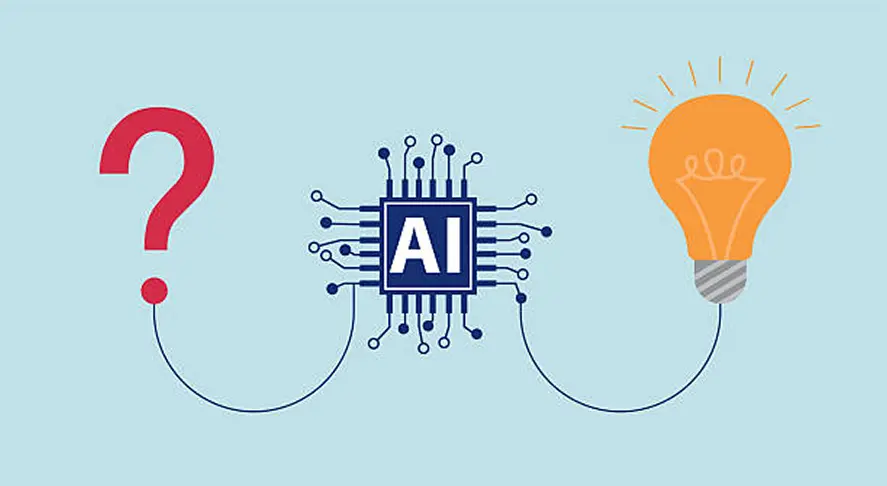
A mental model describes how users believe a system works. When users understand the system's logic, they can predict what will happen when they interact with it. Unfortunately, many AI products do not provide clear mental models. Users may see results generated by the system but have no idea how those results were created.
For example, an AI recommendation engine might suggest content or products without explaining why they were recommended. Without context, users cannot understand whether the suggestions are relevant or trustworthy. Designers must create interfaces that communicate how AI systems operate. Simple explanations, visual cues, and guided interactions can help users build accurate mental models.
2. Poor Explainability in AI Systems
Explainability is one of the most important factors in AI UX design. When users cannot understand why a system made a decision, they lose confidence in the product. This is especially important in industries like healthcare, finance, and legal technology where AI decisions can have serious consequences.
For example, if an AI system rejects a loan application but does not explain why, users may feel frustrated or suspicious. Providing explanations such as "Based on your credit history and income level" helps users understand the reasoning behind the decision. Explainable AI improves transparency and helps users trust automated systems.
3. Unpredictable System Behavior
AI systems often rely on probabilistic models. This means their responses may vary depending on the input data, training data, or system updates. From a technical perspective, this behavior is normal. But for users, unpredictability can be confusing.
For example, a user might enter similar prompts into an AI tool but receive different results each time. Without understanding why this happens, users may believe the system is unreliable. Good AI UX design helps users understand uncertainty. Interfaces can show confidence levels, probability indicators, or suggestions for improving results.
4. Lack of User Control
Another major usability problem in AI products is the lack of user control. Some AI systems operate like black boxes, where users cannot influence the outcome or adjust the system's behavior. When users feel powerless, they quickly lose trust in the product.
Designers should provide mechanisms that allow users to guide the AI system. This may include adjustable settings, feedback options, or the ability to refine results. Giving users control over AI behavior makes the experience more predictable and satisfying.
5. Poor Interface Design
Even when AI models are powerful, a poorly designed interface can create usability problems. Many AI products present complex data, technical outputs, or confusing workflows. If users cannot easily interpret the information presented, they may abandon the product.
Clear layouts, structured information, and intuitive navigation are essential for effective AI UX design. Designers should focus on simplicity, clarity, and progressive disclosure. This means showing users only the information they need at each step.
The Role of Mental Models in AI UX
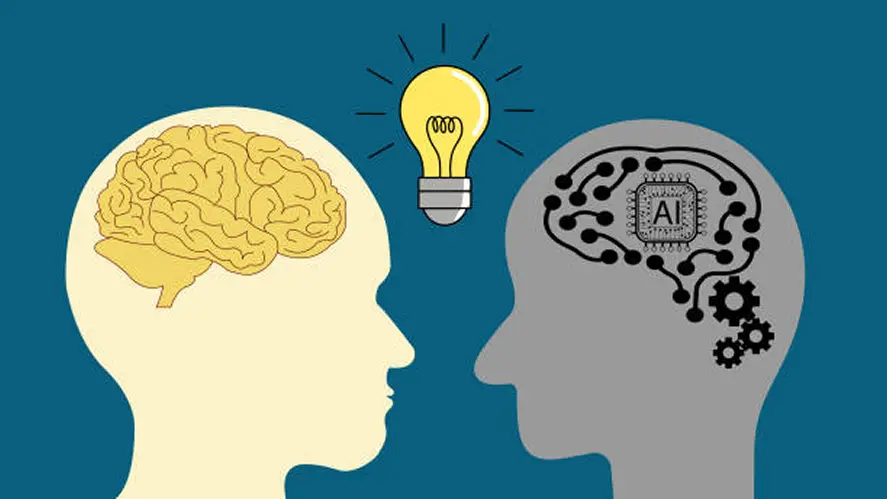
Mental models play a critical role in AI UX design because they shape how users understand and interact with AI systems. When users clearly understand how an AI product works, they can predict its behavior and make better decisions. Strong mental models improve usability and help reduce confusion in modern AI-powered applications.
In AI product design, designers must create experiences that help users build accurate mental models. At Artonest Design Studio, a professional UI UX design agency, we focus on designing AI interfaces that communicate system behavior clearly. This approach improves user understanding and creates more intuitive AI experiences.
• Providing simple explanations of how the AI works
• Showing examples of system behavior
• Using visual cues to indicate system processes
• Offering onboarding experiences that teach users how to interact with AI tools
When users develop accurate mental models, they feel more confident interacting with AI systems. This is a key principle in AI UX design and usability-focused product development.
Designing Explainable AI Interfaces
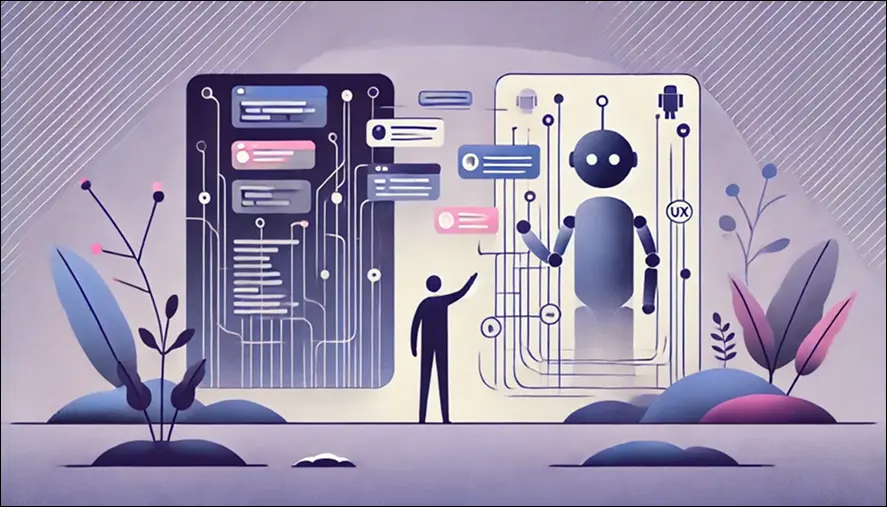
Explain ability is essential for building trust in AI products. Users must understand not only what the AI system does, but also why it does it.
Some effective design strategies include:
1. Transparent feedback
Explain how the AI reached its decision.
2. Confidence indicators
Show the system's confidence level for predictions.
3. Visual explanations
Use charts or highlights to show which data influenced results.
4. User-friendly language
Avoid technical terminology that users may not understand.
These strategies make AI systems more transparent and easier to use.
Reducing AI Usability Problems
Explainability is essential for building trust in AI products and AI-powered applications. Users must understand not only what the AI system does, but also why it makes certain decisions. Strong AI UX design helps make complex AI behavior easier for users to understand.
At Artonest Design Studio, a professional UI UX design agency, we focus on designing explainable and user-friendly AI interfaces. Clear explanations and transparent system behavior improve usability and help users trust AI-driven platforms.
Some effective AI UX design strategies include:
1. Transparent feedback
Explain how the AI system reached its decision so users understand the reasoning behind results.
2. Confidence indicators
Show the system's confidence level in predictions to help users evaluate AI outputs.
3. Visual explanations
Use charts, highlights, or data visualization to show which information influenced the result.
4. User-friendly language
Avoid complex technical terminology and use simple language that users can easily understand.
Why UX Matters for AI Startups
For AI founders, UX design is often the difference between product adoption and failure. Many AI startups focus heavily on model development but underestimate the importance of user experience. However, even the most advanced AI technology will struggle to succeed if users cannot understand it.
A well-designed AI UX strategy ensures that users can interact with intelligent systems confidently and efficiently. Startups that invest in UX early in the product development process are more likely to build products that users trust and adopt.
The Future of AI UX Design
As AI technology continues to evolve, AI UX design will become even more important in shaping how users interact with intelligent systems. Modern AI products and AI-powered applications must be designed to communicate clearly, adapt to user needs, and provide transparent decision-making.
Future AI UX strategies should focus on:
• Communicating AI decisions clearly so users understand system behavior
• Adapting to user behavior to create more personalized AI experiences
• Providing transparent explanations for AI-generated results
• Allowing meaningful user control over AI features and outputs
Designers will play a crucial role in bridging the gap between complex AI technology and human understanding. At Artonest Design Studio, we believe strong UX design and usability principles help transform advanced AI systems into intuitive and user-friendly products.
Conclusion
AI products often feel confusing because they lack clear mental models, transparency, and user control. Without thoughtful design, users struggle to understand how AI systems make decisions or how to interact with them effectively.
For AI founders and product designers, focusing on AI UX design is essential. When AI systems are designed with usability, explain ability, and clarity in mind, users can build trust and confidently adopt new technologies.
The future of AI depends not only on powerful algorithms but also on human-centered design. By prioritizing user experience, designers can transform complex AI tools into intuitive and accessible products.
Frequently Asked
Questions
1. Why do many AI products feel confusing to users?
2. What is AI UX design?
3. What are mental models in AI UX?
4. Why is explainability important in AI products?
5. How can designers reduce usability problems in AI products?
Recent


